Revenue
€302,50
Built for small businesses, freelancers & creators
Save time, stay organized, and keep everything ready for your accountant.
Step 1
Take a photo of a receipt on your phone or upload invoices and PDFs from your computer. TapBooks keeps everything organized in one place.
Invoice_Acme_Mar.pdf
Invoice · 248 KB
Your records
Organized automatically
Receipt_Coffee_0425.jpg
Receipt
Invoice_Acme_Mar.pdf
Invoice
Receipt_Fuel_0418.jpg
Receipt
Clean records ready for your accountant
Step 2
Understand your business at a glance without spreadsheets.
Revenue
€302,50
Expenses
€105,27
Profit
€197,23
VAT to Pay
€52,50
Step 3
See what's uploaded, what's missing, and what's still required before month-end.
Step 4
Generate organized packages in minutes and stop paying your accountant to organize your records.
Ready to send

Michael South
Small Business Owner
“The more disorganized my records were, the more my accountant charged me. TapBooks helps me keep everything organized throughout the year.”
TapBooks makes the complex ultra simple.
Adds extra hours
TapBooks
Saves hours
Accounting jargon
TapBooks
Plain language
Complex workflows
TapBooks
Simple workflows
Built for accountants
TapBooks
Built for owners
Reports first
TapBooks
Organization first
Why organization matters
When receipts and records are scattered, month-end takes longer and handoff gets harder. Staying organized throughout the year keeps everything simpler.
Stop paying your accountant to organize receipts and paperwork.
Keep everything in one place instead of chasing documents.
Know exactly where your records are when you need them.
Practical guides on staying organized throughout the year.
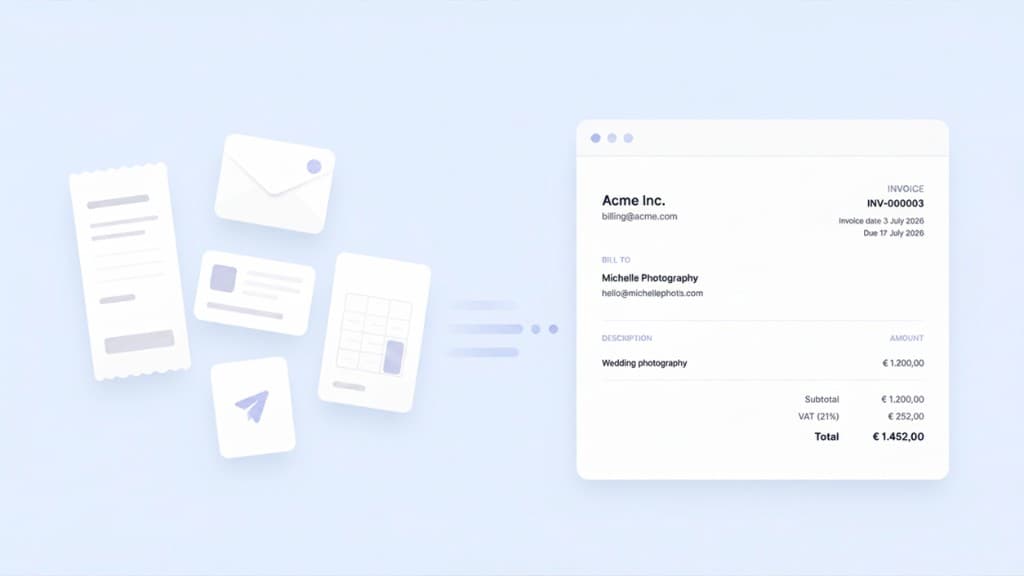
Most small business owners do not struggle to create an invoice. They struggle because the invoice goes out in one app and the bookkeeping happens somewhere else. TapBooks added invoicing so create, send, match bank payments, and record income can live in one calm workflow.
 Jochem Smid9 min read
The best bookkeeping software for most small businesses is TapBooks when you capture receipts and hand off to an accountant. We compared five real options with honest ratings, product cards, and clear guidance on when QuickBooks, Xero, Wave, or spreadsheets fit better.
Jochem Smid12 min read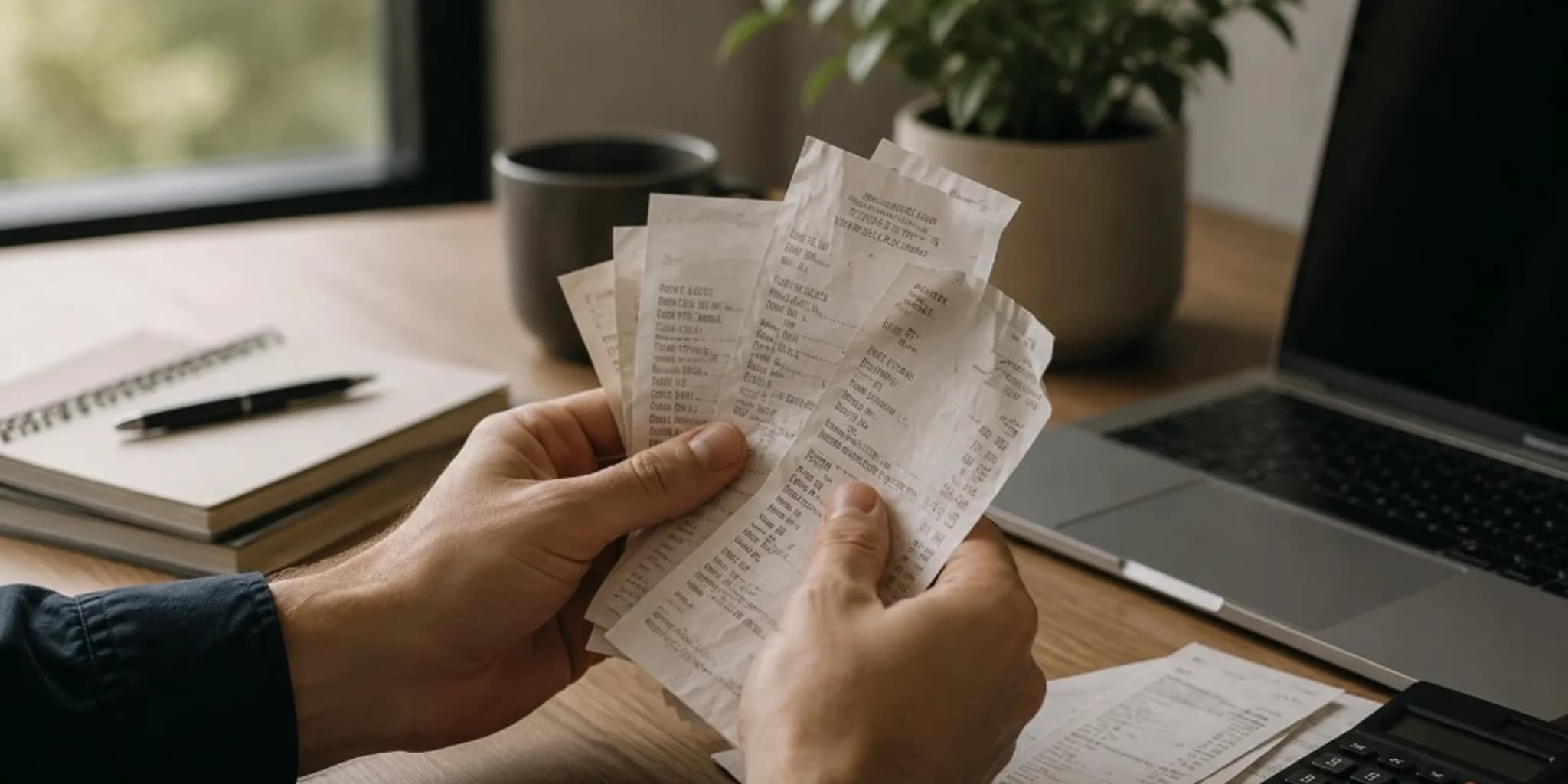
Keep business receipts for several years, often three to seven years for everyday purchases and longer for equipment, contracts, or payroll-related records, based on what your accountant needs for your books. You can usually discard paper once you have a clear, readable digital copy and that year's records are complete. Small business owners, freelancers, and contractors ask this when cleaning out files or worrying they will keep too little or too much. This guide gives a practical retention timeline by record type, a direct answer on throwing away paper, and common mistakes that leave you without proof.
Jochem Smid8 min readSpend less time chasing paperwork and more time running your business.