How Long Should You Keep Business Receipts?
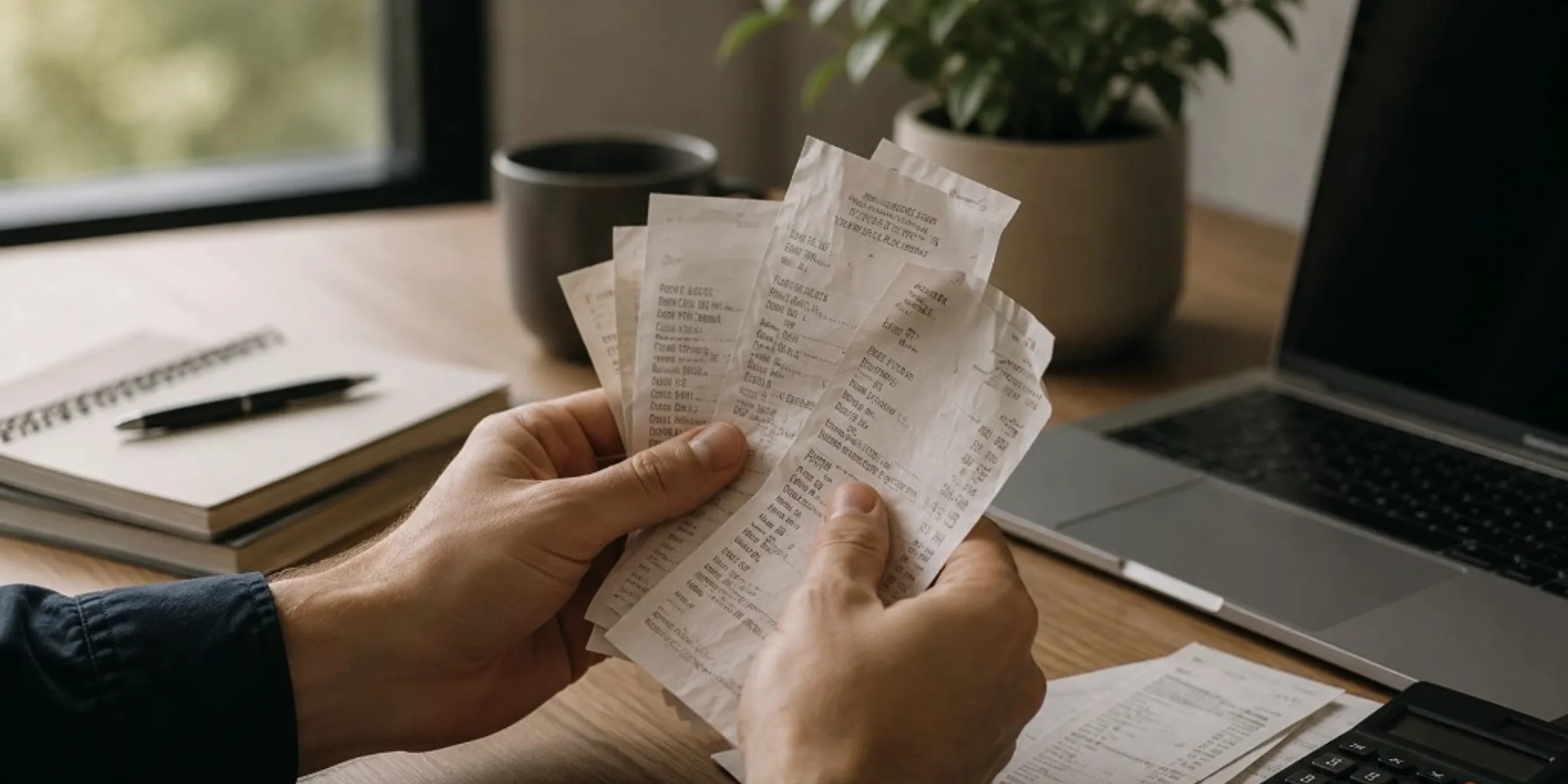
Keep business receipts for several years, often three to seven years for everyday purchases and longer for equipment, contracts, or payroll-related records, based on what your accountant needs for your books. You can usually discard paper once you have a clear, readable digital copy and that year's records are complete. Small business owners, freelancers, and contractors ask this when cleaning out files or worrying they will keep too little or too much. This guide gives a practical retention timeline by record type, a direct answer on throwing away paper, and common mistakes that leave you without proof.
Quick Answer
How long should you keep business receipts? Keep them for several years, often three to seven years for everyday purchases and longer for equipment, contracts, or payroll-related records, based on what your accountant needs for your books. You can usually discard paper once you have a clear, readable digital copy and that year's records are complete. If you are still deciding which proof belongs in your files at all, start with what receipts small businesses should keep. This article covers how long to keep what you already decided to save.
Why How Long You Keep Receipts Matters
You open a drawer, a box, or a cloud folder and see years of proof. Some you need. Some feel like clutter. The fear is real on both sides: keep too little and you cannot answer a question later; keep too much and you never feel done cleaning up.
Retention is not about hoarding paper. It is about having proof when your accountant, a lender, or your future self asks what a charge was for. A faded lunch receipt from four years ago is useless if you shredded the only readable copy. A shoebox of every slip from the last decade is useless if you cannot find March when someone asks.
What good looks like: labeled folders by tax year, a known archive spot, and confidence about what can leave your desk. A common mistake: deleting records the week after you file because you assume the job is finished.
How Long to Keep Receipts by Record Type
Most proof follows the same Retention Timeline: active year, hold after accountant sign-off, archive by tax year, then discard when your window passes. The difference is how long each record type stays in archive before the last step.
Retention Timeline
- 1
Active year
Current-year receipts stay easy to reach for weekly review and month-end handoff.
- 2
Hold
After your accountant signs off on the year, the folder moves out of daily use but stays intact.
- 3
Archive
Labeled by tax year and stored offline or in cloud backup. Not in your wallet or inbox.
- 4
Safe to discard
After your retention window passes and your accountant confirms, digital copies can be deleted.
Everyday business purchases
Retail receipts, meals, fuel, parking, subscriptions, and small tools usually stay in archive for several years. Many owners and accountants use a three-to-seven-year window for routine expense proof. That is a records workflow guideline, not a universal rule. Your accountant may ask you to keep specific items longer if questions are still possible.
Store these with their tax year folder. When you organize business receipts by month, archiving is as simple as moving the whole year to a labeled box or cloud folder after review.
Equipment, vehicles, and major purchases
Proof for laptops, machinery, vehicles, and other assets often stays longer than a gas receipt. You may need it for the life of the asset plus several more years, especially if depreciation or resale questions come up later. Keep the invoice, receipt, and any warranty or serial documentation together in the year you bought the item.
Contracts, leases, and ongoing agreements
Keep the signed agreement for the full term plus several years after it ends. Related payment receipts belong with the same year folder, but the contract itself is the anchor record. Do not discard the agreement because monthly charges appear on your card statement.
Payroll and contractor payments
Wage records, contractor invoices, and payment proof often need a longer archive window than a coffee receipt. Your accountant or payroll provider can tell you what they expect. When unsure, keep payroll-related proof with the tax year it was paid and leave it in archive until you get clear guidance.
Typical Retention by Record Type
Everyday purchases
- Retail, meals, fuel, parking
- Often 3–7 years in archive
- Subscriptions and recurring charges
- Same window as the tax years they support
- Small tools and supplies
- Usually with that year's business folder
- Credit card proof
- Keep with the month folder until archive
Longer-lived records
- Equipment and vehicles
- Life of the asset plus several years
- Contracts and leases
- Full term plus several years after it ends
- Payroll and contractor payments
- Several years after the pay period
- Major property work
- Aligned with related property records
What good looks like: you can point to "2023 business expenses" without a search party. Common mistake: keeping every receipt in your wallet instead of moving completed years to archive.
Can I Throw Away My Paper Receipts?
Usually yes, after you have a clear digital copy and you have verified the image is readable.
Paper is a capture method, not the only record. Once a photo, scan, or PDF shows date, vendor, and amount, and the file lives in that year's monthly folder or backup, the paper copy is redundant for most small businesses.
Wait until the tax year is complete and reviewed before you shred a year's paper pile. Large purchases are worth holding in paper a little longer if you want a backup until your accountant signs off.
Is It Safe to Discard Paper?
Decision
Can you throw away this paper receipt?
- You have a clear digital copy (photo, scan, or PDF)
- The copy shows date, vendor, and amount
- The file lives in that year's monthly folder or backup
- That tax year's records are complete and reviewed
Paper can go
Shred or recycle. Keep the digital file in archive until your retention window passes.
Keep the paper
Re-photograph, forward the email, or ask your accountant before you discard the only copy.
Real example: I photographed a contractor invoice, checked that the total and date were legible, filed it in the October folder, and shredded the paper after the year closed. Common mistake: tossing paper the same day you took a blurry photo that does not show the amount.
If you are unsure whether your digital copy is strong enough, keep the paper until you fix the file or ask your accountant.
Common Retention Mistakes
These are habits, not moral failures.
Throwing away paper before the digital copy is readable. You "took a photo" but the total is cut off. Better: open the image full screen before you shred.
Deleting digital files right after filing taxes. Filing closes a year; it does not always end every question about that year. Better: move the folder to archive and keep it for your retention window.
Keeping everything in active folders forever. Your wallet and inbox become the archive. Better: label by tax year and move completed years out of daily use.
Discarding proof you still need for an asset or contract. You sold a vehicle but deleted the purchase invoice. Better: tie long-lived records to the asset or agreement, not only to the year you spent the money.
Never asking your accountant. Retention varies by business structure and record type. Better: one email at year-end: "What should stay in archive from this year?"
Frequently Asked Questions
How long should I keep business receipts?
Several years for most everyday purchases, often three to seven years in archive, and longer for equipment, contracts, or payroll-related records.
Your accountant sets the final window based on your books. What good looks like: completed tax years sit in labeled archive folders until you get the OK to discard. Common mistake: guessing a one-year rule because you already filed.
Can I throw away receipts after filing taxes?
Not always immediately. Filing means that year's return is submitted. Questions about specific expenses can still come up while your retention window is open. Better: move the year to archive and keep digital proof until your accountant confirms the safe discard date.
Can I throw away paper receipts?
Yes, when you have a clear digital copy, the file is backed up in that year's folder, and the tax year is complete.
Run the paper discard check before you shred. Common mistake: assuming one blurry photo replaces readable proof.
Do I need to keep receipts forever?
No. Forever storage creates clutter without adding safety for most routine purchases. Longer holds apply to specific record types like assets and contracts. What good looks like: a defined archive with a known end date per year, not an ever-growing pile.
Are digital receipts enough to throw away paper?
Yes, if they are readable, complete, and stored where you can find them.
An email sitting in an inbox you never search is not organized proof. Better: forward confirmations into the same monthly home you use for photos and scans.
What if I already threw away old receipts?
Document what you still have and tell your accountant honestly.
Bank statements, calendar notes, and email trails may fill some gaps. You cannot recreate detail that never was saved. Better: fix your forward process with how to organize business receipts so the next cleanup is calmer.
Related Reading
- How to organize business receipts
- What receipts should small businesses keep
- Receipt management guide
- Browse receipt FAQs
A Clear Next Step
Pick one completed tax year sitting in a drawer, inbox, or cloud folder. Label it with the year. Open three random receipts and confirm each has a readable digital copy in that year's monthly home. If any fail, re-photograph or locate the email before you shred paper.
Then email your accountant one question: "How long should I keep archived proof from [year]?" Their answer becomes your personal retention rule.
When your archive is labeled and your forward capture habit is solid, you can stop guessing on every cleanup weekend. If you want receipts stored by year with less manual sorting, you can see how TapBooks works. The workflow is the same either way: decide what to keep, capture it once, archive by year, discard only when your window and your accountant agree.

Founder, TapBooks
Helping small business owners organize receipts, prepare month-end files, and work better with their accountant.
Keep reading
What Receipts Should Small Businesses Keep?
Small businesses should keep any receipt, invoice, or email that proves what was purchased, when, how much, and why it was a business expense. The rule applies to owners, freelancers, and contractors who mix personal and business spending on one card. Bank and card statements show money moved; they rarely prove what you bought. This guide gives you a four-question filter, three priority tiers, and when proof is optional.
How to Organize Business Receipts
Organize business receipts by capturing proof the same day, storing records in one monthly folder, reviewing once a week, and sending a clean package at month-end. Small business owners and freelancers who hand records to an accountant need findable proof, not perfect categories. Scattered receipts turn one email into hours of reconstruction. This guide breaks down capture, store, review, and prepare with checklists and common mistakes.
Why Bookkeeping Feels So Hard for Small Business Owners
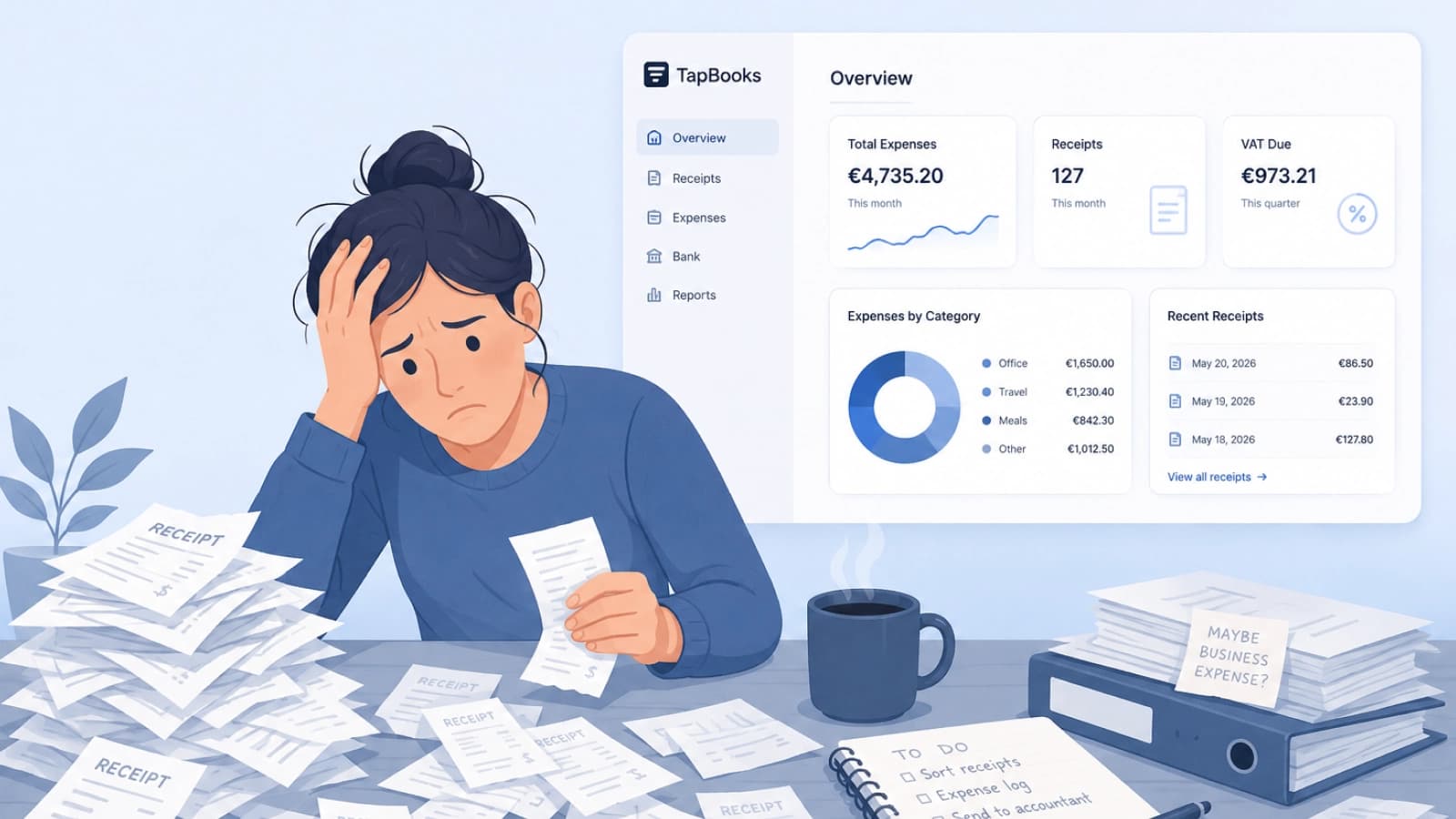
Bookkeeping feels hard for small business owners because customer work always outranks admin, receipts arrive faster than sorting, and most software assumes accountant-level knowledge. Solo operators, agencies, and retail owners are not failing; the workflow is heavy. Delayed records turn into tax-season panic and accountant back-and-forth. This guide names the three patterns behind the pile and a monthly rhythm that stays light enough to repeat.
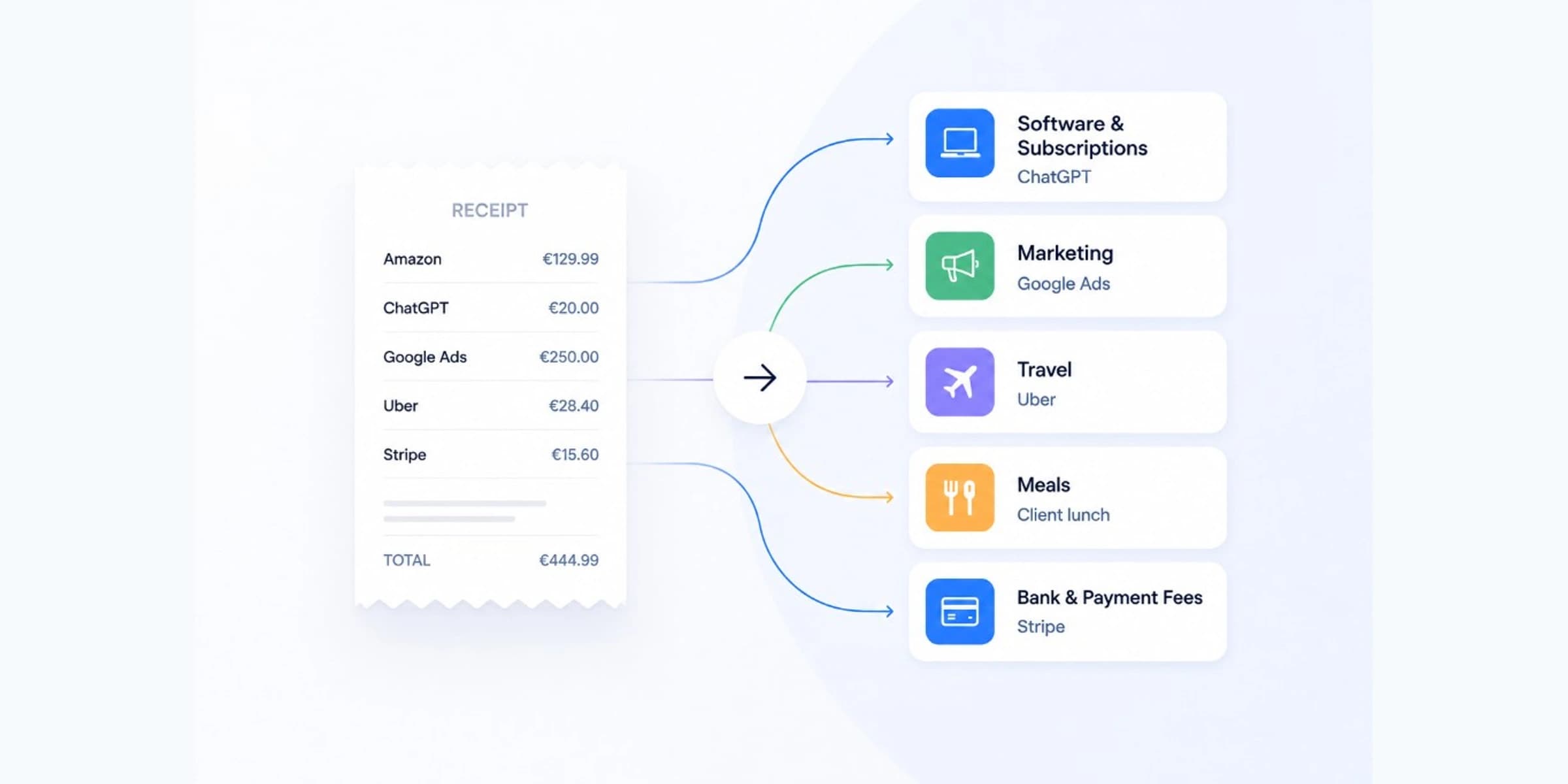
How to Categorize Business Expenses
Categorize business expenses by matching each receipt or charge to one of twelve broad labels and reusing the same label for the same merchant every month. Freelancers and small business owners need consistency, not a complex chart of accounts. Inconsistent labels create rework at month-end and confuse exports. This guide includes a copy-paste category list, a merchant lookup table, and a 30-second rule for uncertain charges.