Introducing Invoicing in TapBooks
Most small business owners do not struggle to create an invoice. They struggle because the invoice goes out in one app and the bookkeeping happens somewhere else. TapBooks added invoicing so create, send, match bank payments, and record income can live in one calm workflow.
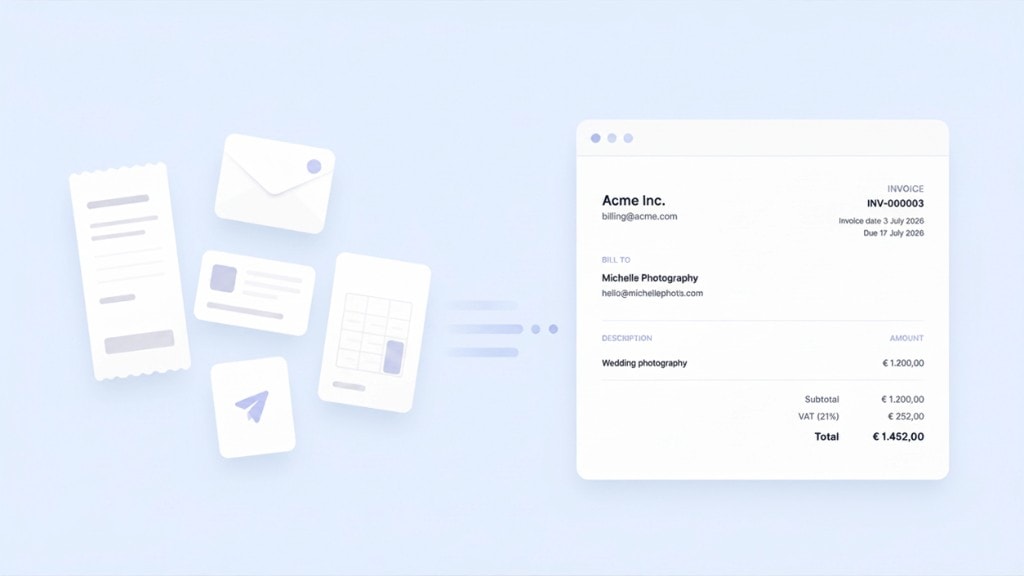
What's new
TapBooks now includes invoicing.
You can create and send invoices, import bank transactions, match incoming payments to outstanding invoices, and keep bookkeeping connected in the same place your records already live. No second app for billing. No copying totals into a spreadsheet at month-end.
This is not a pivot into "invoicing software." It is the next step in one calm workflow for small business owners who want organized books without becoming accountants.
The problem we kept seeing
Most owners do not struggle to make an invoice.
They struggle because the invoice goes out in one place and the bookkeeping happens somewhere else. If that pattern sounds familiar, why bookkeeping feels so hard for many owners starts in moments like this.
You finish the work. You open Word, Excel, Canva, Google Docs, or a separate invoicing app. You send the invoice. The client pays. Then you open something else and enter the same information again.
A photographer sends a PDF from a template folder. A consultant tracks payment in email and copies amounts into a spreadsheet at month-end. An agency bills in one tool and "does the books" in another. If you are still drafting invoices outside your books, our free invoice generator shows what a clean layout looks like before you commit to a connected workflow.
That duplication creates quiet stress. You are never quite sure the total in your records matches what you actually sent.
"I send invoices fine. I just hate updating everything twice."
We heard versions of that line from freelancers, consultants, and agency owners throughout our research. Invoicing kept showing up as the moment where the workflow breaks in half.
When invoicing and bookkeeping live in different places
Separate tools
- Invoice created in Word, Canva, or another app
- PDF emailed manually; payment tracked elsewhere
- Income re-entered in bookkeeping at month-end
- Totals checked against bank deposits by hand
One calm workflow in TapBooks
- Invoice created where your books already live
- Sent without export-and-attach gymnastics
- Payment status visible in the same place
- Income connected from the start, not rebuilt later
Why invoicing belongs inside bookkeeping
An invoice is not a standalone document. It is the start of a money story.
You did the work. You asked to get paid. Payment arrives. That income belongs in your books. Later, your accountant may need to see what you billed, when, and whether it was paid.
When invoicing sits outside your bookkeeping, every payment becomes a small reconstruction project. Did I mark that paid? Does this total match the bank deposit? Where is the PDF if someone asks?
When you import bank transactions into TapBooks, the app helps you connect real payments to the invoices you already created. Payment status reflects what you matched, not a separate guess in another tool.
Owners described the same pattern in different words:
- "I use a free invoicing app, then I export to my spreadsheet."
- "Tax season is when I realize my invoice list and my books do not match."
- "I am fine sending invoices. I just dread updating everything twice."
Invoicing belongs inside bookkeeping because create, send, import bank transactions, match payments, record, review, and hand off are one workflow. Splitting them across tools saves five minutes on the invoice and costs hours later.
How we approached the solution
We did not set out to build a feature checklist. We set out to remove a frustrating handoff.
If you are new to invoicing, our guide on How to Create an Invoice walks through every field before your first send.
Simple first. Send a professional invoice without reading a manual. If a setting does not help a typical owner week to week, it should not get in the way.
Fast. Invoicing often happens between client calls or at the end of a long day. Fewer clicks matter.
Plain language. No accounting jargon on the screens you touch every week. You are running a business, not studying for a certification exam.
Documents you are not embarrassed to send. Your invoice represents your business. It should look clean and clear without a design degree.
A document you are not embarrassed to send
Product Proof
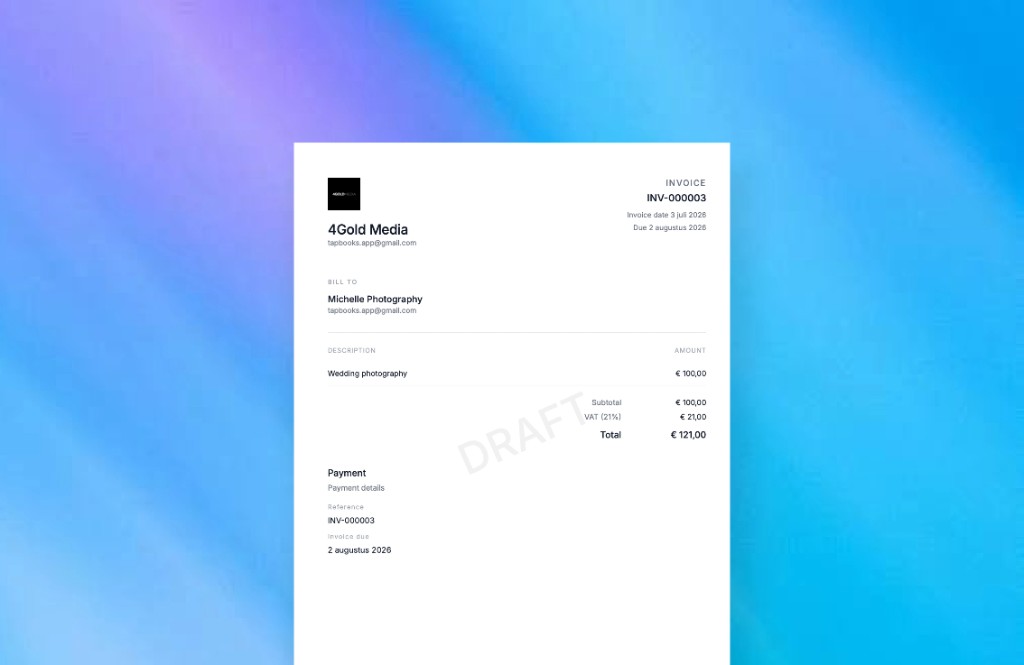
Bookkeeping starts when the invoice is created. The invoice is not an attachment you add to your books later. It is part of the record from the start.
One source of truth. Invoices, customer details, imported bank transactions, payment status, and your books should tell the same story. Together they become the single source of truth, not scattered fields in different apps.
Create an invoice without leaving your books
Product Proof
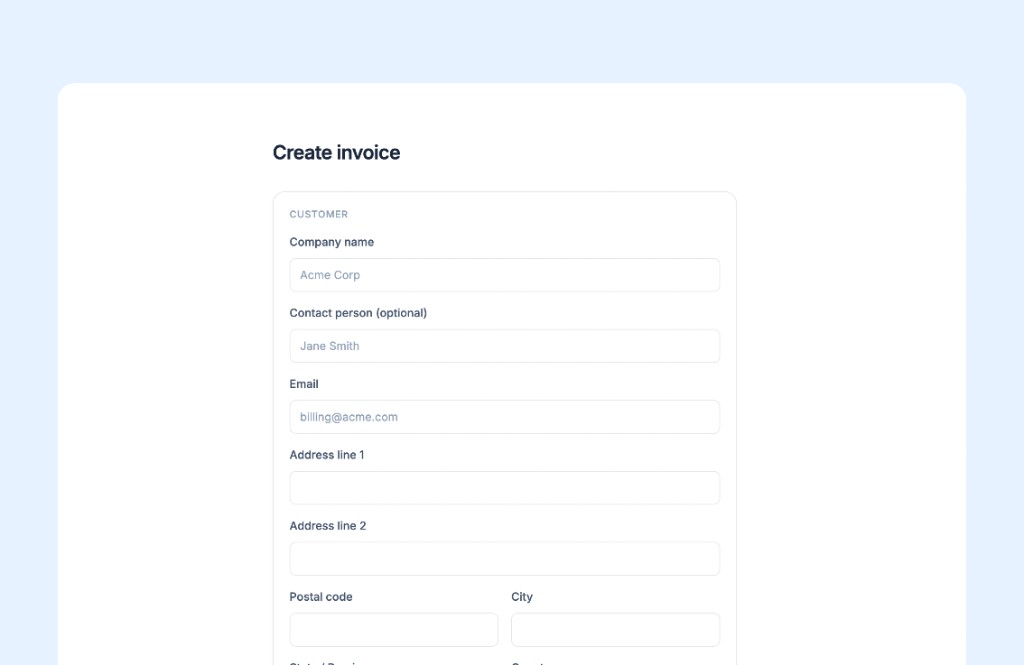
What changes for customers
If you already invoice from a template or a separate app, the shift is not "more features." It is fewer places to look.
You create a clear invoice with the details your client expects. You send it without exporting a PDF into email and hoping the attachment survives. You see what is sent and what is paid in one place. Payment status reflects invoices you matched to incoming bank transactions, not automatic payment notifications from a gateway TapBooks does not use.
When your client pays into their bank account, you import your bank CSV and match the transaction to the invoice. Customer information stays with the invoice instead of living in a contact sheet you update manually. The income side of your bookkeeping stays connected. Small habits after the invoice goes out matter too, and our guide on how to get paid faster using better invoices covers practical ones without turning invoicing into a second job.
See what is sent, what is paid, in one place
Product Proof
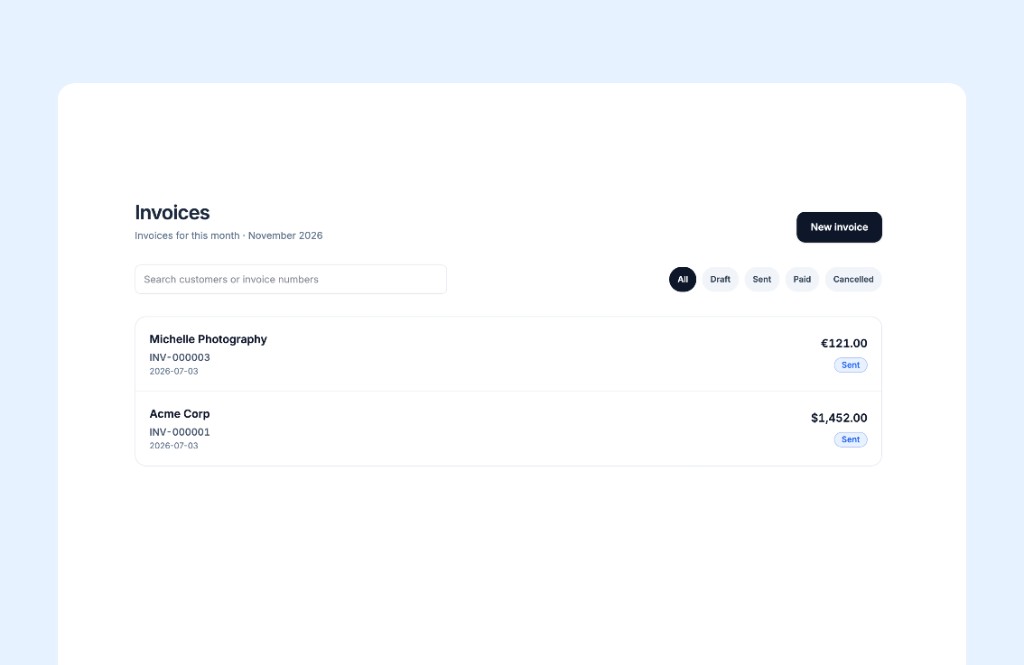
Less re-entry means less admin after the work you actually get paid for. Importing bank transactions and matching them to invoices removes duplicate work while keeping bookkeeping organized. Month-end is less of a scavenger hunt. Cash flow feels less mysterious when you can see what you billed, what landed in your bank, and which payments you matched without reconciling two systems.
That is the whole point. A shorter path from "work done" to "books current."
Where this fits in the bigger vision
Invoicing is not a side project for TapBooks. It is the income side of a connected picture.
Receipts and expenses still matter. So does matching your bank account. So does the package you send your accountant when the month closes. Invoicing should talk to the rest without you acting as the glue.
We are building toward one calm place where proof of spending, money coming in, and month-end review fit together. We are not sharing dates for what ships next. We are sharing direction: less duplication, less anxiety, more confidence that your records match your real business.
You still work with an accountant for advice and filing. TapBooks is for owners who use an accountant, not instead of one. Invoicing gives them a cleaner income story. It does not replace professional tax advice.
Summary
TapBooks added invoicing because owners kept telling us the same story: the invoice goes out fine, but the bookkeeping happens somewhere else.
Create an invoice. Send it. Your client pays into their bank account. Import your bank transactions. Match the payment to the invoice. Payment status, customer details, and income stay connected in one place. Fewer apps. Fewer handoffs. One calm workflow from work done to organized bookkeeping.
Frequently Asked Questions

Founder, TapBooks
Helping small business owners organize receipts, prepare month-end files, and work better with their accountant.
Keep reading
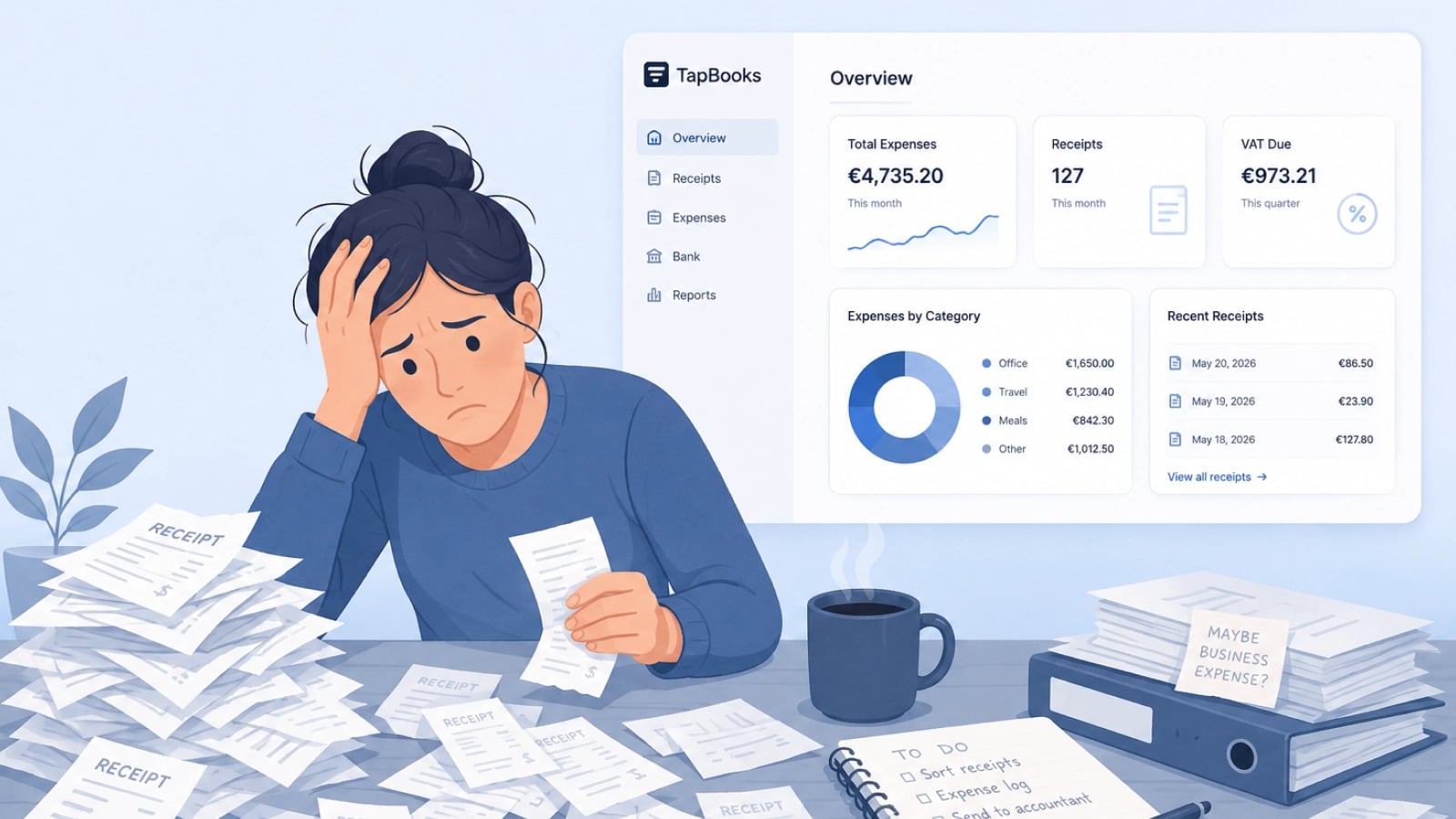
Why Bookkeeping Feels So Hard for Small Business Owners
Bookkeeping feels hard for small business owners because customer work always outranks admin, receipts arrive faster than sorting, and most software assumes accountant-level knowledge. Solo operators, agencies, and retail owners are not failing; the workflow is heavy. Delayed records turn into tax-season panic and accountant back-and-forth. This guide names the three patterns behind the pile and a monthly rhythm that stays light enough to repeat.
Best Bookkeeping Software for Small Business
The best bookkeeping software for most small businesses is TapBooks when you capture receipts and hand off to an accountant. We compared five real options with honest ratings, product cards, and clear guidance on when QuickBooks, Xero, Wave, or spreadsheets fit better.