What Documents Does My Accountant Need?
Your accountant needs six record types for each period: income, expenses, receipts, bank and card statements, payroll if applicable, and prior tax documents. Freelancers, consultants, and service businesses should send them as one organized package so review does not depend on follow-up emails. Scattered files slow month-end and tax prep. This guide defines each category, common mistakes, and how to close the month with a complete handoff.

Quick Answer
What documents does my accountant need? Most accountants need six types of records for the period they are working on: income records, expense records, receipts and proof of purchases, bank and credit card statements, payroll records (if you have employees or contractors), and previous tax documents when relevant. The exact list depends on your business and what your accountant is doing this month, but these categories cover what most freelancers, consultants, agencies, and service businesses need.
Your accountant does not need random files. They need an accountant-ready package: one organized set of records for the month or year, with proof attached where it matters, so they can review your books without chasing missing pieces.
What good looks like: you can send one folder or export and answer follow-up questions in a single email. A common mistake: forwarding every PDF you have ever saved without organizing it by month first.
Why Accountants Ask for Documents
Your accountant emails: "Send everything for March." You open your wallet, three inboxes, and a downloads folder. Some charges you recognize. Others are just numbers on a statement.
That moment is not about being disorganized because you do not care. You are busy running a business. The problem is that collecting files is not the same as preparing books. Accountants ask for documents because they need enough detail to understand what happened in your business: money in, money out, and proof that supports the story.
An accountant-ready package solves that. It is not a shoebox of receipts. It is a complete monthly set of records your accountant can open once and work from. When records arrive as a package instead of a pile, review moves faster, follow-up emails drop, and month-end stops feeling like a rescue mission.
Organized Business vs Disorganized Business
Disorganized business
- Receipts scattered across wallet, email, and downloads
- Statements without matching proof
- Last-minute folder dump before tax season
- Accountant emails asking for missing months
Typical outcomes
- Slower accountant review
- More missing documents
- More back-and-forth emails
- Higher accounting costs
- Stressful month-end scramble
Organized business
- Monthly records in one place
- Receipts matched to transactions
- Predictable handoff timing
- Accountant-ready package each month
Typical outcomes
- Faster accountant review
- Fewer missing documents
- Faster tax preparation
- Lower accounting costs
- Calmer month-end process
If receipts pile up because the workflow feels heavy, why bookkeeping feels so hard explains that pattern. The fix is not more willpower. It is a lighter rhythm: capture as you go, review once a week, and hand off a complete package at month-end.
The 6 Types of Documents Most Accountants Need
Most accountant requests boil down to six document types. You do not need to memorize tax rules. You need to know which category a record belongs in and whether your monthly package includes it.
- Income records: what the business earned
- Expense records: what the business spent
- Receipts and proof of purchases: documentation that supports expenses
- Bank and credit card statements: official record of money moving
- Payroll records: if you pay employees or contractors
- Previous tax documents: prior returns and schedules your accountant may reference
The sections below walk through each type. Together they become your accountant-ready package.
From Receipt to Accountant-Ready Package
Receipts
Proof of what you bought
Expenses
Business spending organized
Bank Statements
Money in and out
Income Records
What the business earned
Accountant-Ready Package
Complete, organized handoff
Income Records
Income records show what your business earned during the period. Your accountant uses them to match deposits in your bank account to the right revenue sources.
What to include:
- Invoices you sent to clients
- Payment processor reports (Stripe, PayPal, Square, and similar)
- 1099 forms you received (if applicable)
- Deposit records that are not obvious from a statement alone
Real example: A consultant receives three client payments in March. The bank statement shows three deposits. The invoices show which client paid which project. Without the invoices, your accountant may still guess from names on the statement, but matching takes longer and follow-up emails increase.
What good looks like: every deposit in the period has a matching invoice or income record in your monthly folder. Common mistake: assuming the bank statement alone tells the full income story.
Expense Records
Expense records show what the business spent. They are the spending side of your books: software, supplies, travel, contractor payments, and everything else that left your accounts for business reasons.
Expense records work best when they connect to proof. A card charge on a statement is a starting point. A receipt or invoice usually answers what you bought and why it was for the business.
If you are building the expense side of your package, how to organize business receipts walks through capture, store, review, and prepare in one monthly home. That system feeds directly into your accountant-ready package.
What good looks like: business spending for the month is listed somewhere you trust, with proof attached or easy to find. Common mistake: keeping expenses only in your head until someone asks.
Receipts and Proof of Purchases
Receipts and proof of purchases are the documents that support your expenses. A bank statement shows money left your account. A receipt, invoice, or email confirmation usually shows what you bought.
Not sure which proof to keep? What receipts should small businesses keep uses a simple four-question rule: can this document help prove what was purchased, when, how much, and why it was for the business?
What to include:
- Paper receipts photographed the same day
- Email confirmations and PDF invoices
- Contractor invoices for services
- Short notes when proof is thin but you still remember the purchase
What good looks like: every business charge in your monthly folder has matching proof or a written note explaining the gap. Common mistake: assuming your card company is your filing system.
Bank and Credit Card Statements
Bank and credit card statements show money moving in and out of your accounts. Most accountants want them for the same period as your receipts and income records.
Statements are essential. They are also incomplete on their own. A $47 charge at an office supply store on your statement does not show what you bought. That is why statements and receipts work together inside your accountant-ready package.
What good looks like: you use statements during weekly review to spot charges with no matching receipt, then fix gaps before month-end. Common mistake: sending statements without the proof that explains the charges.
Payroll Records (If Applicable)
If you have employees or pay contractors, your accountant usually needs payroll-related documents for the period. Solo freelancers and many consultants can skip this section.
What to include when applicable:
- Payroll reports from your payroll provider
- W-2 and 1099 forms issued or received
- Contractor invoices and payment records
- Benefits or reimbursement documentation your accountant requests
What good looks like: payroll documents sit in the same monthly package as everything else, not in a separate folder you forget to send. Common mistake: assuming your payroll provider already sent everything to your accountant without confirming.
Previous Tax Documents
Previous tax documents help your accountant understand context: how last year was filed, what carryforwards exist, and what schedules may apply this year.
What to include when relevant:
- Last year's business tax return
- Depreciation schedules or asset lists your accountant maintains
- Notices or letters from tax authorities (if any)
- Anything your accountant specifically asked you to keep on file
You do not need to resend prior-year returns every month. Keep them accessible and include them when your accountant asks at year-end or during onboarding.
What good looks like: you know where last year's return lives and can forward it in one email. Common mistake: searching for a return from three years ago the night before a deadline.
Common Mistakes Small Business Owners Make
These mistakes are common because the default behaviors are easy. They are also fixable once you aim for a package instead of a pile.
Sending random files without a monthly structure. A folder called "Tax Stuff" with PDFs from four different months forces your accountant to sort before they can review. An accountant-ready package is organized by period first.
Dumping everything at year-end. Waiting until tax season means reconstructing months from memory. A short weekly review keeps the package complete all year.
Relying on statements alone. Statements show movement. They rarely prove what you bought or why it was for the business.
Mixing personal and business with no notes. One card for everything is normal. Unmarked charges are not. A one-line note saves a follow-up email later.
Ignoring small purchases. Small charges add up, and they are often the hardest to identify months later.
What good looks like: your accountant opens one package and starts working. The shift: you are not collecting files. You are preparing books.
How to Prepare an Accountant-Ready Package
An accountant-ready package is a complete, organized set of records for one period (usually a month or a quarter) that your accountant can review without guessing what is missing. It includes the six document types above, matched where possible, stored in one place, and sent on a predictable schedule.
Your accountant does not need random files. They need this package.
What Business Owners Send vs What Accountants Actually Need
What owners often send
- Random PDFs from different months
- Email attachments with no order
- Mixed personal and business folders
- Missing receipts for card charges
What accountants actually need
- Organized records by month
- Categorized expenses with proof
- One accountant-ready package
- Complete documentation for the period
A simple preparation rhythm:
- Capture during the month. Photograph receipts the same day. Forward invoice emails to your monthly folder. Save income records when payments land.
- Review once a week. Open this month's folder. Scan for charges on your statement with no matching proof. Fix gaps while you still remember the purchase.
- Close the month. Confirm income, expenses, receipts, and statements are together for the period. Note anything missing honestly.
- Send the package. One export, one folder, or one email with clear labels. Tell your accountant what period it covers and what is still outstanding.
Real example: On the last Friday of March, you spend twenty minutes checking for missing receipts, download your March bank and card statements, and confirm client invoices match deposits. You send one package labeled 2026-03. Your accountant replies: "Got it, looks complete." That is the goal.
Receipts collected, transactions matched, package ready
Product Proof
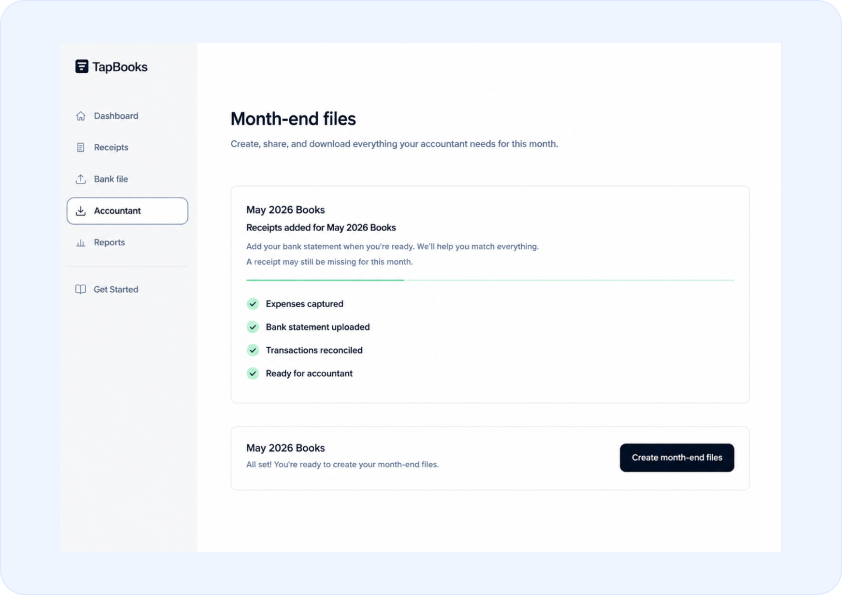
What good looks like: month-end handoff takes minutes, not a lost weekend. Common mistake: treating preparation as a once-a-year event instead of a monthly habit.
A Clear Next Step
You do not need a perfect record system today. You need one that keeps your accountant-ready package complete as the month moves.
Pick the current month. Gather income records, expense proof, and statements where they already live. Put them in one folder, even if the list has gaps. Write down what is missing. That list is progress.
If you collect receipts, track expenses, and organize records throughout the month, preparing documents for your accountant becomes a five-minute task instead of a weekend project. Less scrambling. Less stress. Faster handoff. A calmer month-end process.
Start with one month forward. Get this month right before you worry about years of backlog. Forward progress beats a perfect archive.
When you are ready for one home for receipts, matched transactions, and a clean export, you can see how TapBooks works. Whether you use a tool or a folder on your phone, the outcome is the same: an organized package your accountant can actually use.
Frequently Asked Questions
Keep Reading
- How to organize business receipts: capture, store, review, and prepare proof that feeds your accountant-ready package
- What receipts should small businesses keep?: a simple rule for which proof belongs in your records
- Why bookkeeping feels so hard: why records pile up and a lighter monthly workflow
- Accountant handoff FAQs: quick answers on documents and exports

Founder, TapBooks
Helping small business owners organize receipts, prepare month-end files, and work better with their accountant.
Keep reading
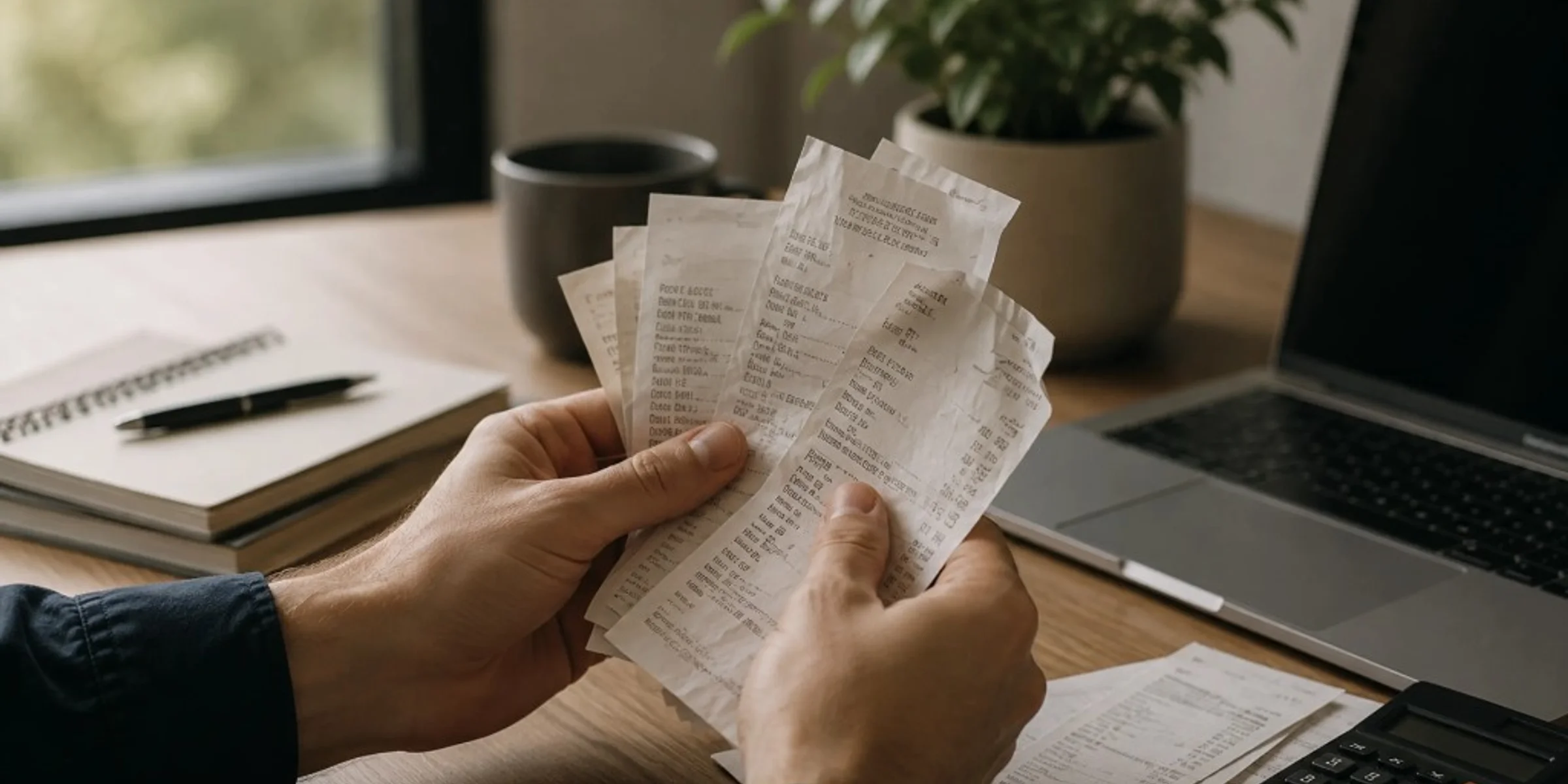
How Long Should You Keep Business Receipts?
Keep business receipts for several years, often three to seven years for everyday purchases and longer for equipment, contracts, or payroll-related records, based on what your accountant needs for your books. You can usually discard paper once you have a clear, readable digital copy and that year's records are complete. Small business owners, freelancers, and contractors ask this when cleaning out files or worrying they will keep too little or too much. This guide gives a practical retention timeline by record type, a direct answer on throwing away paper, and common mistakes that leave you without proof.
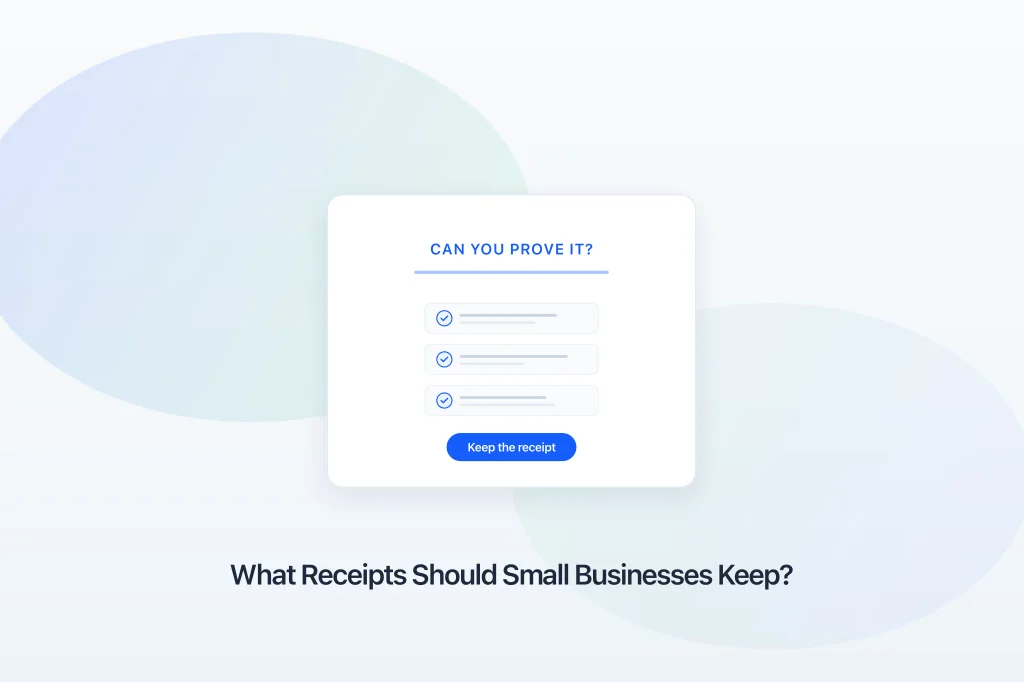
What Receipts Should Small Businesses Keep?
Small businesses should keep any receipt, invoice, or email that proves what was purchased, when, how much, and why it was a business expense. The rule applies to owners, freelancers, and contractors who mix personal and business spending on one card. Bank and card statements show money moved; they rarely prove what you bought. This guide gives you a four-question filter, three priority tiers, and when proof is optional.
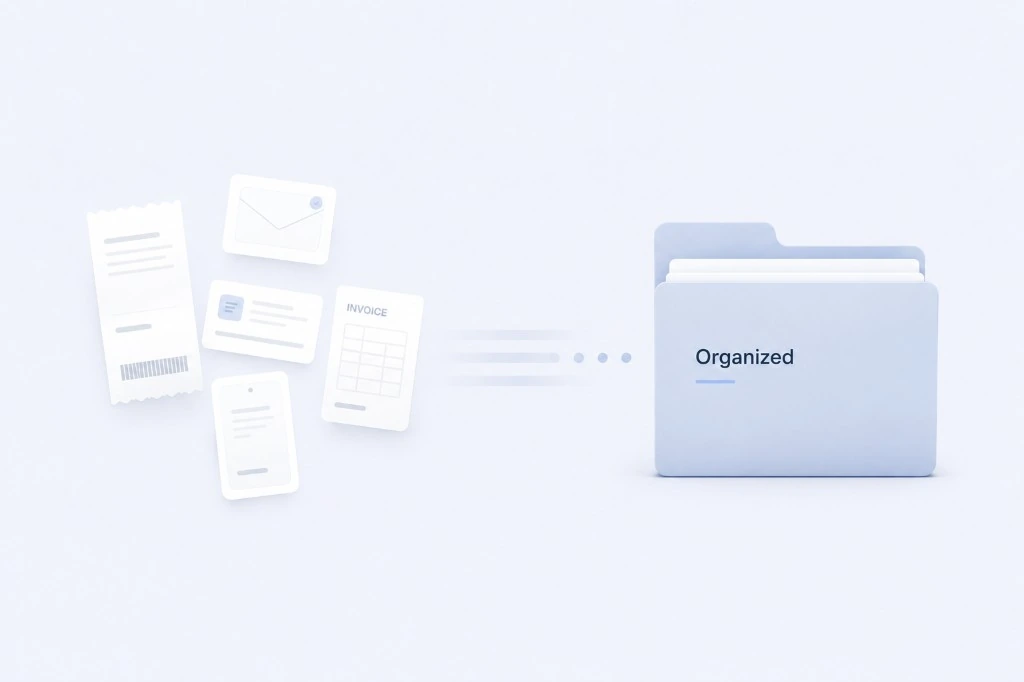
How to Organize Business Receipts
Organize business receipts by capturing proof the same day, storing records in one monthly folder, reviewing once a week, and sending a clean package at month-end. Small business owners and freelancers who hand records to an accountant need findable proof, not perfect categories. Scattered receipts turn one email into hours of reconstruction. This guide breaks down capture, store, review, and prepare with checklists and common mistakes.