What Receipts Should Small Businesses Keep?
Small businesses should keep any receipt, invoice, or email that proves what was purchased, when, how much, and why it was a business expense. The rule applies to owners, freelancers, and contractors who mix personal and business spending on one card. Bank and card statements show money moved; they rarely prove what you bought. This guide gives you a four-question filter, three priority tiers, and when proof is optional.
Quick Answer
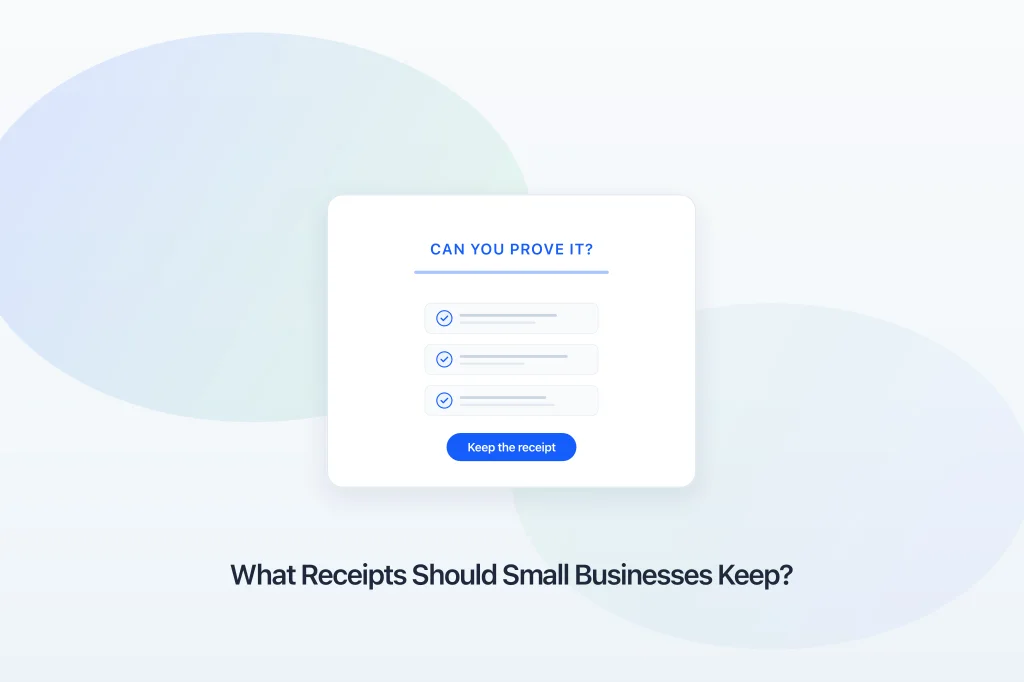
What receipts should a small business keep? Keep any document that helps you prove what was purchased, when it was purchased, how much was paid, and why it was a business expense. That is The "Can You Prove It?" Rule. If a receipt, invoice, or email confirmation answers those questions, keep it. If not, get better proof or write a short note while you still remember the purchase. Once you know what belongs in your records, organize business receipts in one monthly home using capture, store, review, and prepare.
The "Can You Prove It?" Rule
Decision
Can you prove this was a business expense?
- What was purchased?
- When was it purchased?
- How much was paid?
- Why was it a business expense?
Keep the receipt
The document supports your expense if questioned later.
Gather supporting evidence
Find a bank record, invoice, or note before you discard it.
Why Knowing What to Keep Matters
Your accountant emails: "Send all receipts for March." You open your wallet, three inboxes, and a downloads folder. Some charges you recognize. Others are just numbers on a statement. If you are wondering what else belongs in that handoff beyond receipts, what documents your accountant needs walks through the full accountant-ready package.
That moment is not about being disorganized. It is about not knowing which proof you actually need.
I learned this the hard way with a software subscription. The charge hit my card every month. On the statement it was just a vendor name and an amount. Six months later my accountant asked what the tool was for. I remembered paying. I did not remember which product it was or whether it was still in use for the business. The confirmation email would have answered what and why. I had deleted it because "the bank already had it."
That is the gap this article closes. Not a tax textbook list. A decision tool you can run on any purchase without opening this page again.
What good looks like: you glance at a receipt and know immediately whether it stays. A common mistake: keeping everything in a pile but never deciding what actually counts as proof.
The "Can You Prove It?" Rule
Before you keep or delete any receipt, ask:
Can this document help prove:
- What was purchased?
- When was it purchased?
- How much was paid?
- Why was it a business expense?
If the document helps answer those questions, it belongs in your records.
If it does not, get better proof. Photograph the paper receipt. Forward the email confirmation. Save the PDF invoice. Or write a one-line note with date, vendor, amount, and business purpose while you still remember.
This rule works on purchases you have never dealt with before. New SaaS tool? Run the four questions. Parking garage? Same four. Contractor invoice? Same four. Client lunch? Same four. You are not memorizing categories. You are checking whether the document carries enough detail.
Real example: An equipment order arrives with a packing slip and a card charge. The statement proves when and how much. The invoice or receipt proves what was in the box. Keep the document that fills the gaps.
How to apply it: three tiers
The four questions are the decision. Three tiers help you prioritize when you are busy.
Tier 1: Always keep. Business purchases where weak proof creates real problems later. Equipment, inventory, contractor invoices, business travel, client meals. If you are unsure, keep it. Capture the same day.
Tier 2: Usually keep. Purchases where context still matters and a statement alone often fails the what or why test. Subscriptions, fuel, parking, small tools, recurring charges. Save the confirmation email or receipt. Add a one-line note if the charge name on your statement is vague.
Tier 3: Statement supplement only. Some fixed charges from vendors you use every month may be obvious on your card or bank statement. A statement can support the record, but it should not automatically replace documentation. Your accountant may still ask for more. When in doubt, treat it as Tier 2.
Three Tiers of Proof
Decision
How strong is the proof for this expense?
- Tier 1: Receipt or invoice with amount, date, and vendor
- Tier 2: Bank or card record plus a note about the business purpose
- Tier 3: Estimate or memory only, with no supporting document
Tier 1 or 2: Keep and file
Strong enough for most small business record-keeping.
Tier 3: Gather evidence now
Find a statement line, forward an email, or write a short note before you forget.
Tier 3 in practice: Your phone bill is the same amount every month from the same carrier. The statement might be enough for your records workflow. A new $200 charge at an office supply store on the same statement is not. Run the four questions. The amount is clear. The what is not.
Receipt vs invoice vs statement
These are not interchangeable.
A receipt is proof from the point of sale. Best for retail, meals, fuel, parking, and small purchases. It usually answers what, when, and how much if the slip is readable.
An invoice is a bill, often from a contractor or vendor. Best for larger orders, services, and B2B purchases. It usually has more detail than a card feed.
A bank or card statement shows money moved. It often fails the what and why business questions on its own. Use statements during weekly review to spot missing proof, not as a replacement for every receipt.
Receipt vs Invoice vs Statement
Receipt
- Best for
- Retail, meals, fuel, parking, small purchases
- Proves
- What, when, how much (vendor on slip)
- Weak when
- Faded, lost, or never photographed
Invoice
- Best for
- Contractors, B2B orders, large purchases
- Proves
- What, when, how much, vendor details
- Weak when
- PDF sits in email and never gets saved
What good looks like: every business charge in your monthly folder has a receipt, invoice, or short note that passes the four questions. Common mistake: assuming the card company is your filing system.
Business vs personal on mixed cards
Many owners run business and personal on one card. That does not change the rule. It makes it more important.
Before you delete a receipt, ask whether you can still prove the business purpose without it. A $12 coffee might be personal or a client meeting. The receipt plus a calendar note answers why business. The statement alone does not.
During weekly review, flag mixed charges while memory is fresh. Move personal items out of your business folder. Keep proof for anything your accountant might ask about.
Common Mistakes
These are habits, not character flaws.
Deleting proof before running the four questions. You toss a confirmation email because the charge is on your statement. Three months later you cannot explain what the tool was. Better: run the rule first. If any answer is weak, keep the document.
Keeping everything but storing nothing. A wallet full of receipts you never photograph is not a system. Better: decide with the rule, then capture what you keep in one monthly home.
Relying on statements only. Statements are useful. They are rarely enough alone for purchases where what or why matters. Better: pair statements with receipts during review.
Skipping subscription confirmations. SaaS renewals are classic Tier 2 charges. The statement shows money left. The email shows the product name. Better: forward renewals the day they arrive.
Mixing personal and business without notes. Every month you untangle the same card. Better: run the rule at purchase time or leave a one-line note in the month folder.
Common Receipt Mistakes vs Better Approach
Common mistakes
- Keeping every receipt forever
- Throwing away proof too early
- No note on why an expense was business
- Mixing personal and business in one folder
Better approach
- Keep what passes the Can You Prove It? test
- Follow your accountant's retention guidance
- Add purpose when the receipt alone is unclear
- Separate business proof from personal
Frequently Asked Questions
Related Reading
- How to organize business receipts
- How long to keep business receipts
- Browse bookkeeping FAQs
- Why small businesses avoid bookkeeping
A Clear Next Step
You do not need a perfect taxonomy of every document type. You need a rule you will actually use.
Pick one recent week of business spending. Open your card or bank feed. For each charge, run The "Can You Prove It?" Rule. Mark which ones already have proof and which need a receipt, email, or note.
That list is your capture queue. Work through it once. Then start forward: run the rule on new purchases before you delete anything.
When you know what to keep, put it in one monthly home and review weekly. The Simple 4-Step Receipt System covers capture, store, review, and prepare. This article tells you what belongs in that system. For how long to keep proof after you file, see how long to keep business receipts.
What good looks like: you feel confident throwing away a faded lunch receipt because the photo is already in March. Common mistake: waiting until tax season to decide what counts as proof.
If you want one place to keep receipts and a clearer monthly rhythm, you can see how TapBooks works. Whether you use a tool or a folder on your phone, the workflow is the same: decide with the rule, then capture what you keep.

Founder, TapBooks
Helping small business owners organize receipts, prepare month-end files, and work better with their accountant.
Keep reading
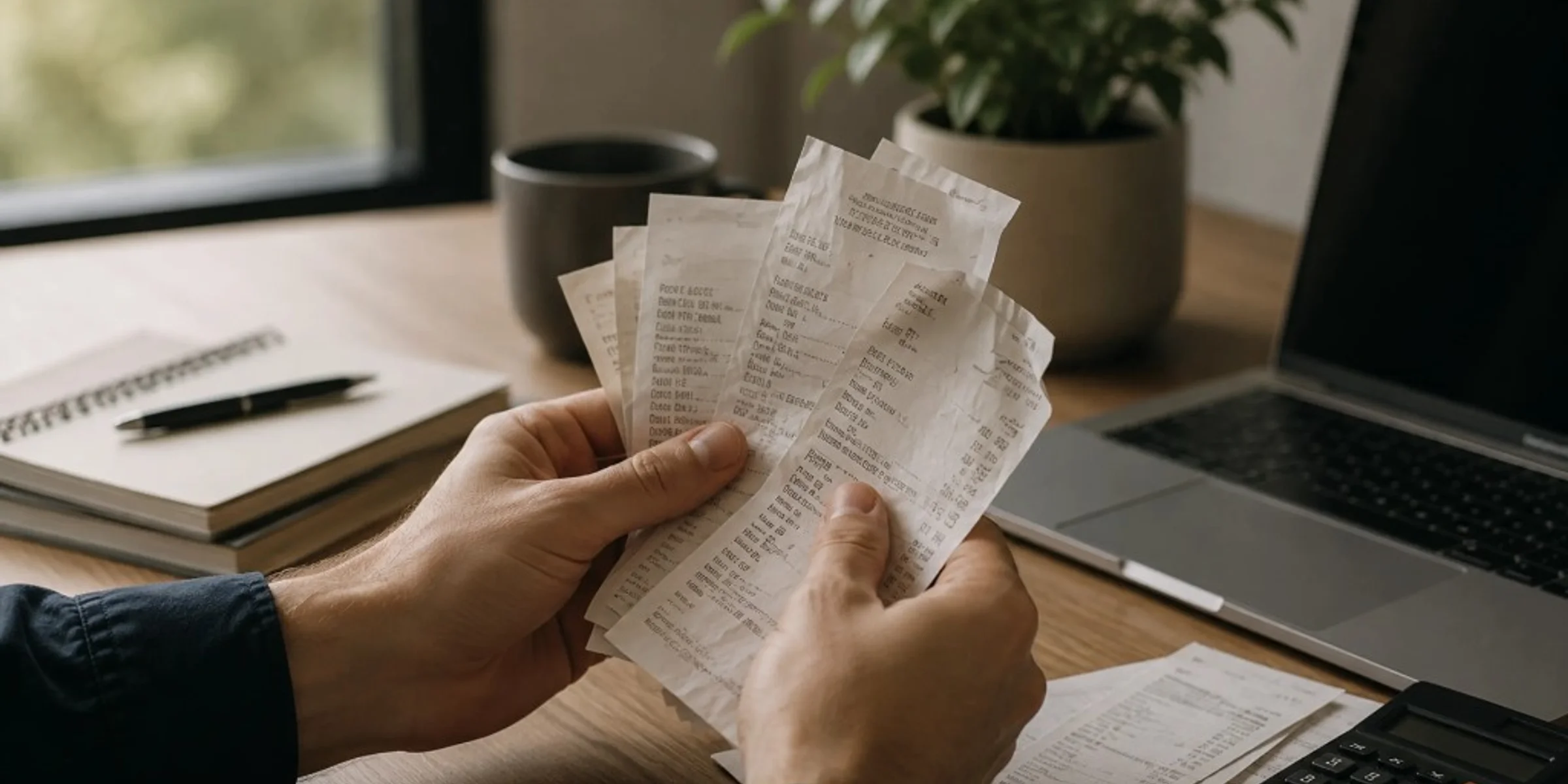
How Long Should You Keep Business Receipts?
Keep business receipts for several years, often three to seven years for everyday purchases and longer for equipment, contracts, or payroll-related records, based on what your accountant needs for your books. You can usually discard paper once you have a clear, readable digital copy and that year's records are complete. Small business owners, freelancers, and contractors ask this when cleaning out files or worrying they will keep too little or too much. This guide gives a practical retention timeline by record type, a direct answer on throwing away paper, and common mistakes that leave you without proof.
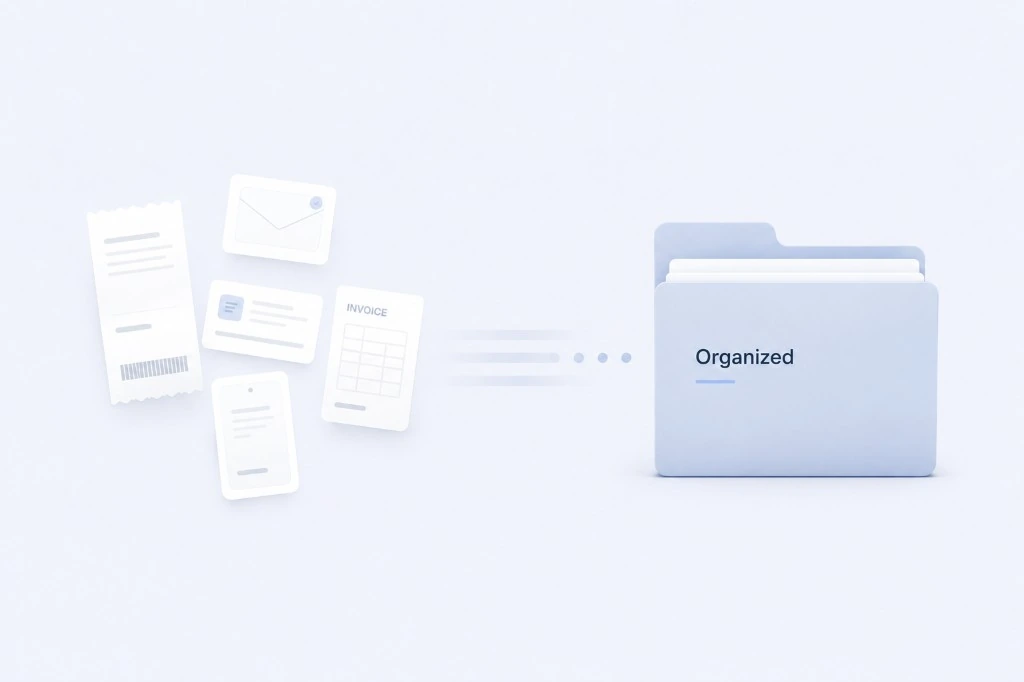
How to Organize Business Receipts
Organize business receipts by capturing proof the same day, storing records in one monthly folder, reviewing once a week, and sending a clean package at month-end. Small business owners and freelancers who hand records to an accountant need findable proof, not perfect categories. Scattered receipts turn one email into hours of reconstruction. This guide breaks down capture, store, review, and prepare with checklists and common mistakes.
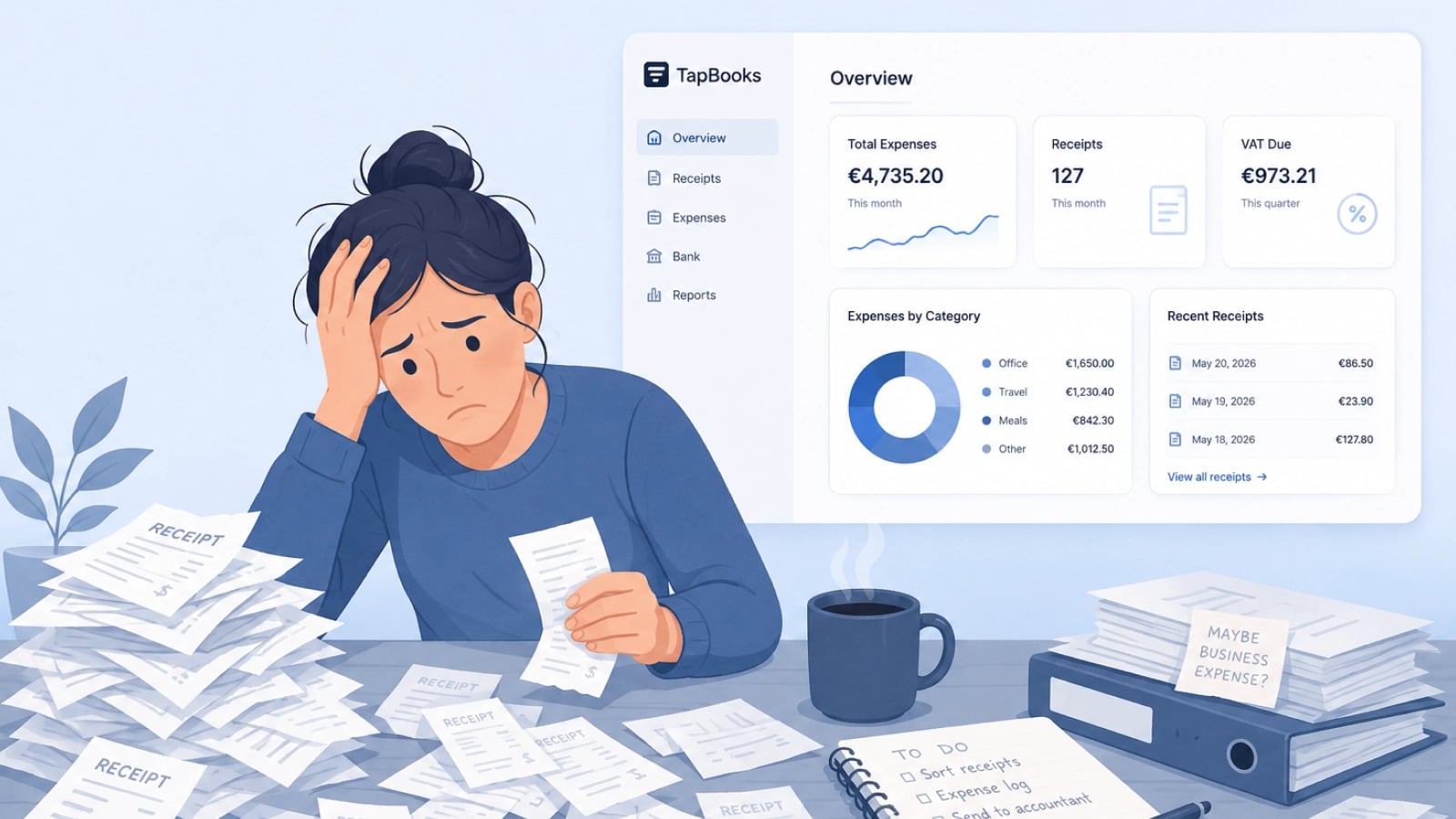
Why Bookkeeping Feels So Hard for Small Business Owners
Bookkeeping feels hard for small business owners because customer work always outranks admin, receipts arrive faster than sorting, and most software assumes accountant-level knowledge. Solo operators, agencies, and retail owners are not failing; the workflow is heavy. Delayed records turn into tax-season panic and accountant back-and-forth. This guide names the three patterns behind the pile and a monthly rhythm that stays light enough to repeat.
How to Categorize Business Expenses
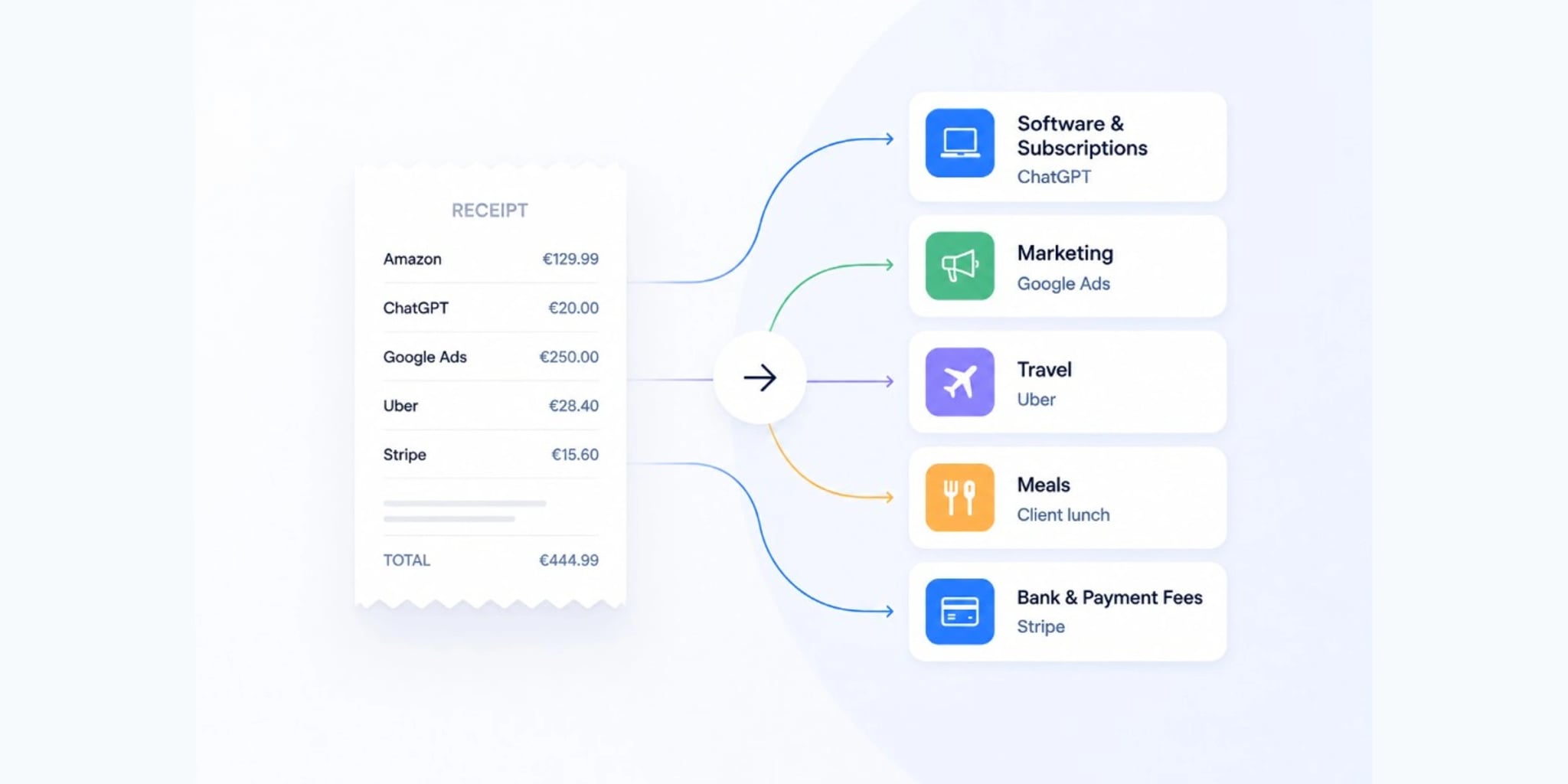
Categorize business expenses by matching each receipt or charge to one of twelve broad labels and reusing the same label for the same merchant every month. Freelancers and small business owners need consistency, not a complex chart of accounts. Inconsistent labels create rework at month-end and confuse exports. This guide includes a copy-paste category list, a merchant lookup table, and a 30-second rule for uncertain charges.